
What’s a comic without an awesome action scene? Action scenes with consistent comic characters are impossible to generate with AI if you just prompt the endlessly. Here’s how I compose the perfect action scene Dasthoon Studio’s AI comic creation tools.
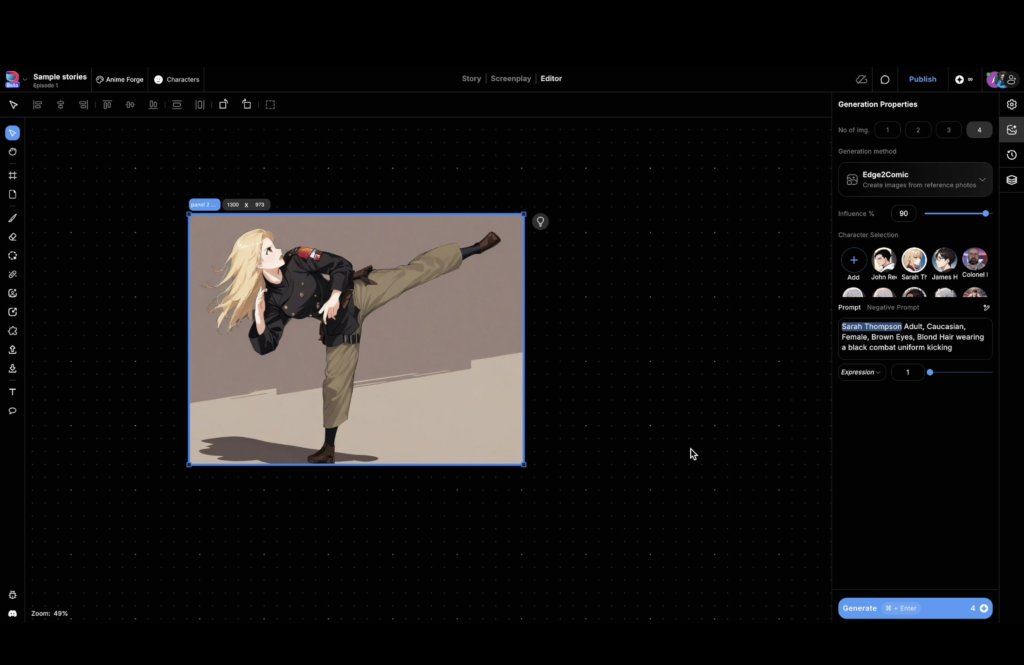
1. I started with a reference image and Framed it. I used the Edge2Comic generation method so that my AI generation follows the edges of the reference image closely. This works great when your reference image is a photo.
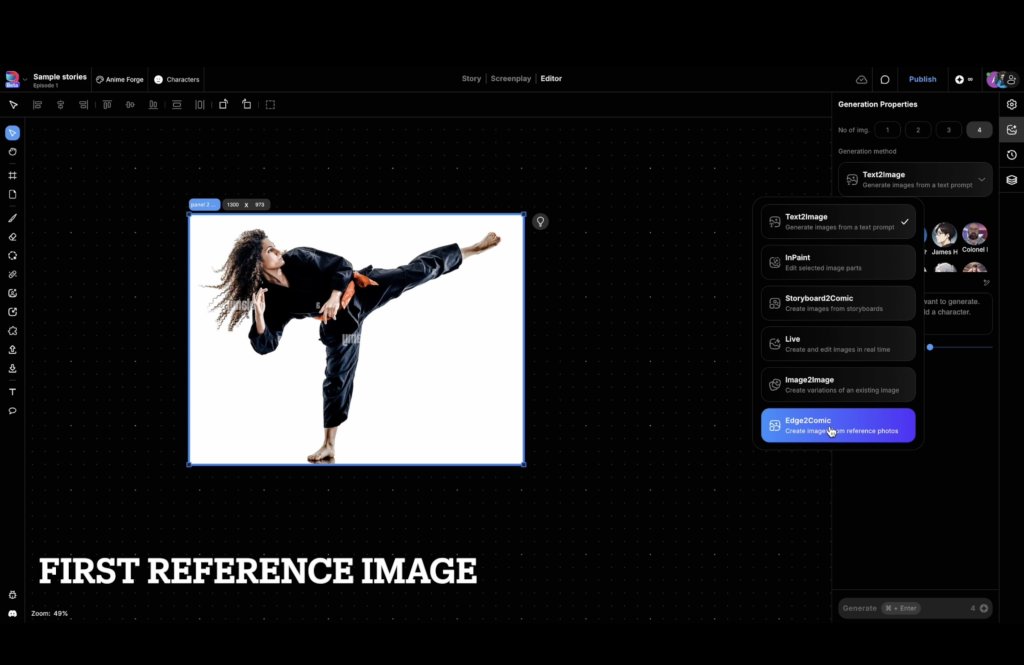
2. This gave me a pretty good output that follows the reference image
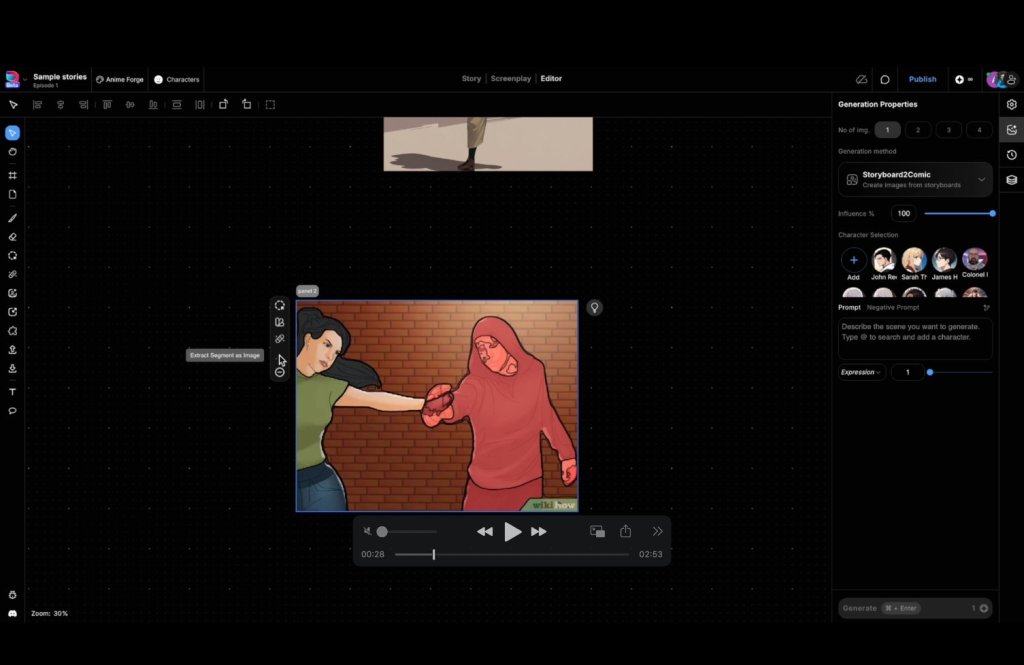
3. Next, I used another reference image for the second character in the action scene. Here I extracted subject from the image using Dashtoon Studio’s segmentation tool.
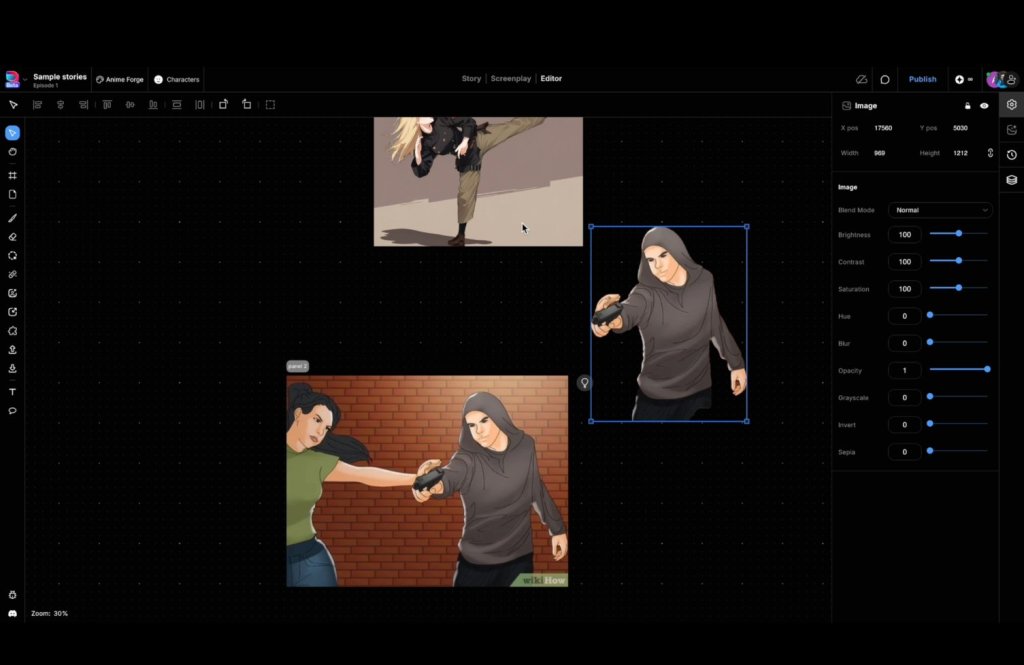
4. I composed the scene by arranging both the images within in the same frame.
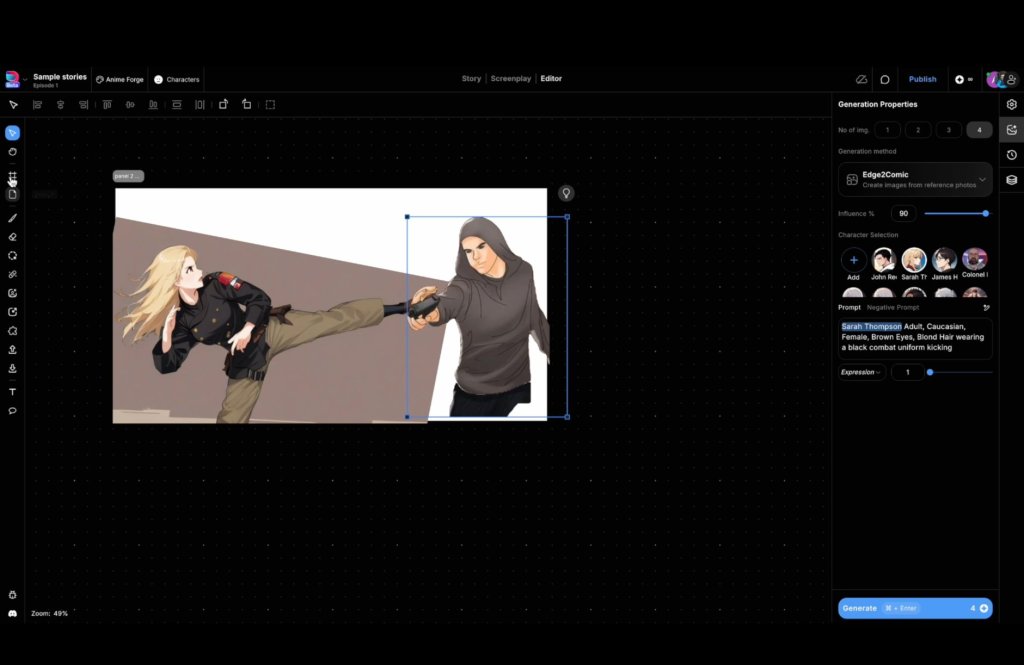
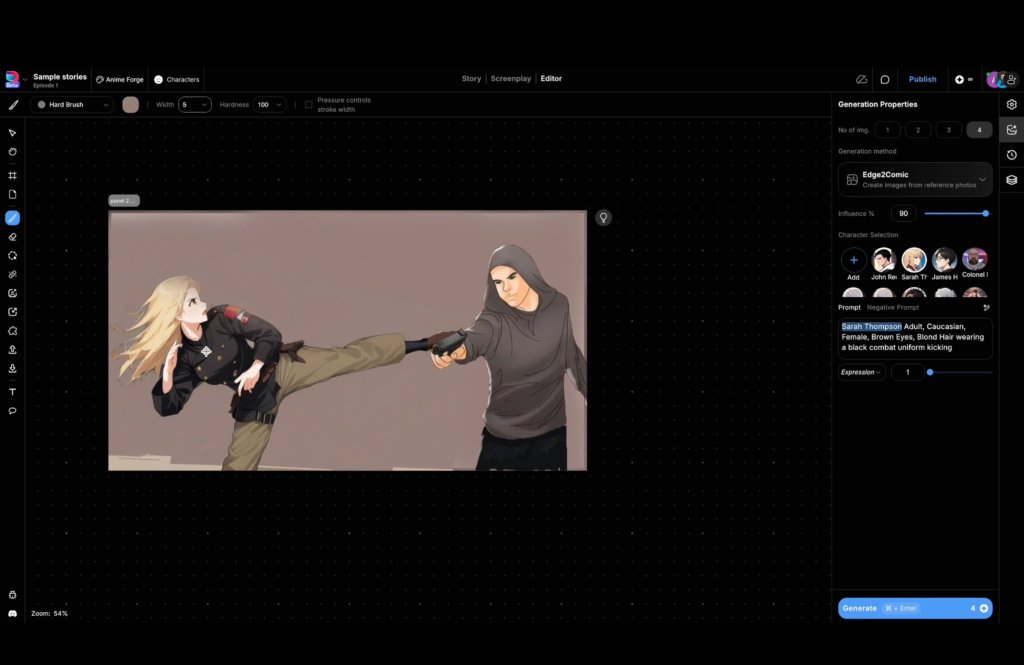
5. I used the brush to paint in a background and edit the composition. I used both types of brushes available in Dashtoon Studio – hard brush and soft brush.
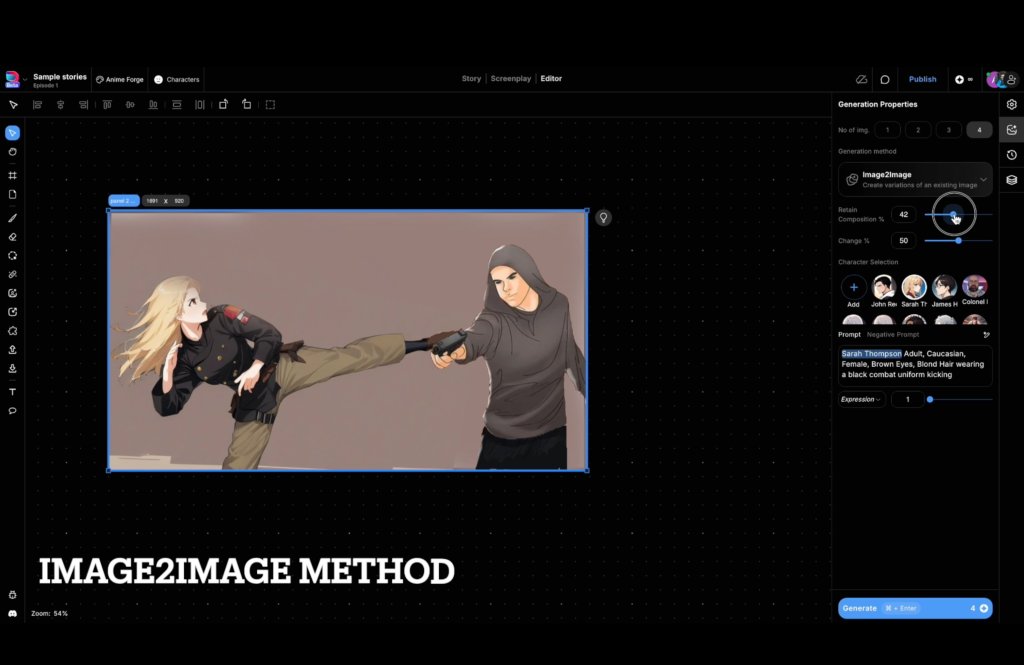
6. Then I used the Image2Image to modify this base image. When I enabled the Retain Composition setting in Image2Image mode, the underlying composition of the characters and their poses remains the same, but the details are changed.
 Amogh Vaishampayan