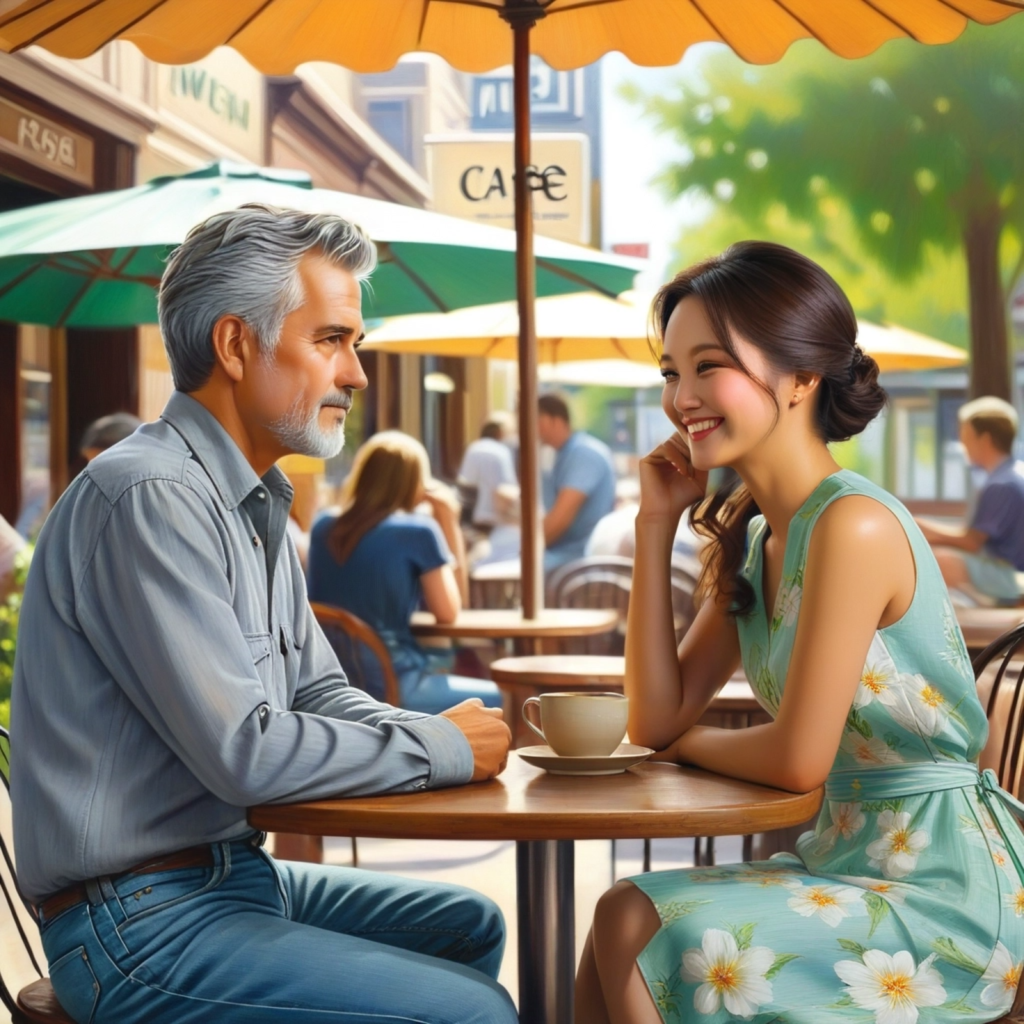
One of the biggest challenges for storytelling using generative AI is creating images with multiple consistent characters. best comics, TV shows and movies heavily feature interpersonal drama and conflict between characters.
A LoRA trained using several images of the target character works great for consistently generating solo images of the character. But running multiple character Loras in a single image generation inference either ruins the output, or in some cases such as using the Flux model, requires the user to tweak the LoRA strength across several generations, hoping to get a satisfactory output. This approach is unsuitable for creative workflows and for products that will be used by non-technical users.
While using a product, users expect to generate multi-character images at the click of a button. This is achievable through an AI workflow rather than a single AI image generation.
Multi-character workflow
1. Prompt with Flux for N people. Include some physical description of every person who needs to be in the scene like “man and a woman sitting at a table in an outdoor cafe”. Flux works best because it gives you great image composition out of the box. You can use a LoRA for the style.
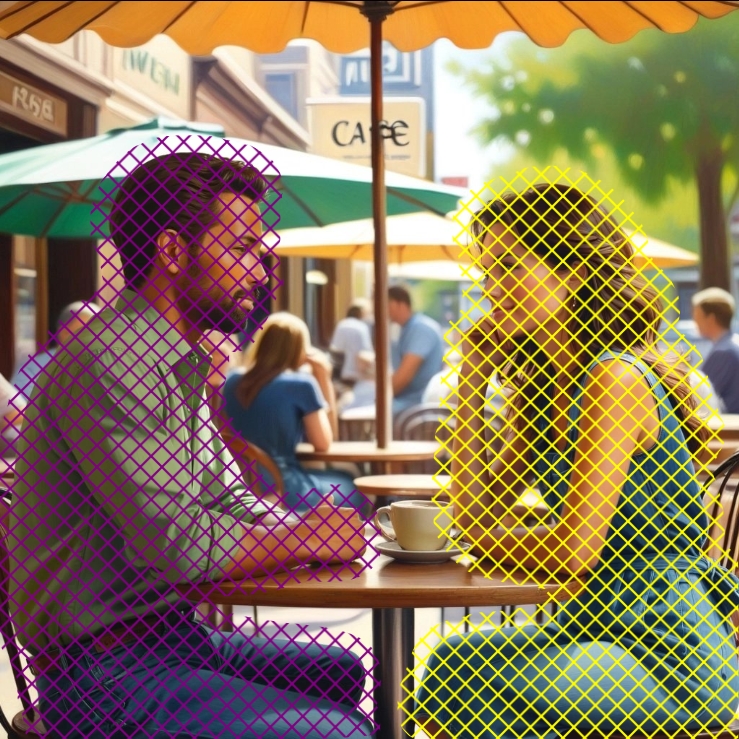
2. Use a vision model or a human segmentation model like yolo to segment each human.
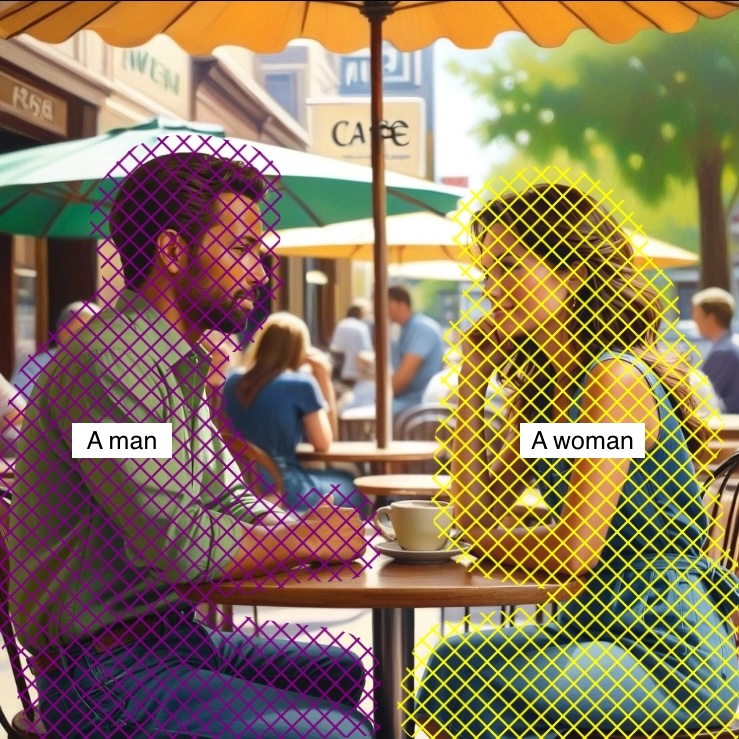
3. Use clip search to match segmented people images with text descriptions of your LoRA characters. This maps the character LoRA with the right masked portion so that the in the next step the characters are inserted into the right position within the image.
4. Use the mapped segmented region from step 2 as a mask and inpaint the subject with the LoRA enabled. Denoise value of 1. While inpainting – use differential diffusion with a Gaussian blur on the mask edges if using Flux. If you’re using SDXL, Fooocus inpaint works wonderfully. Also pad the mask a bit.
Use a controlnet in the inpainting step to retain the original person’s pose. With Flux, Union depth or pose work best. Misto Anyline annotation with Xinsir scribble model if you’re using SDXL. This is optional, but recommended.
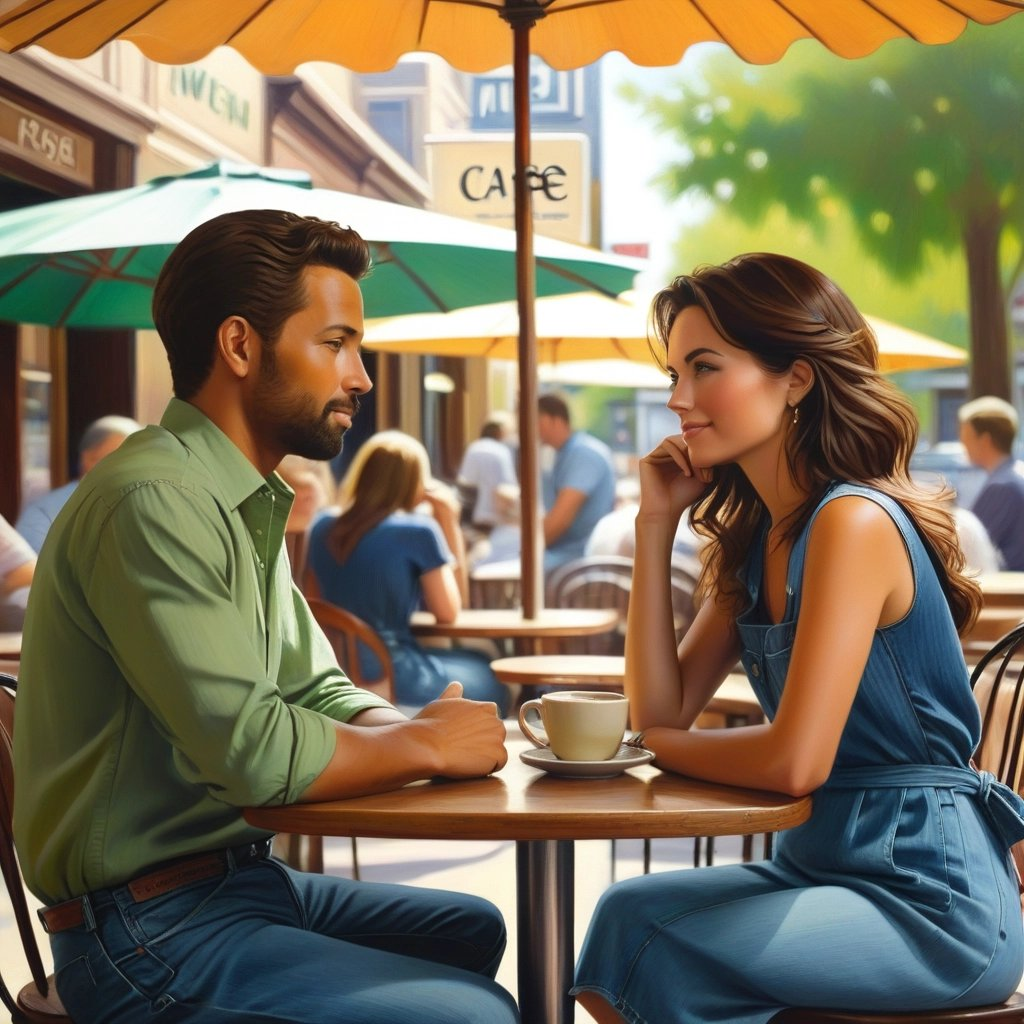
Your first consistent character will get inpainted using the LoRA and the output will look like this.
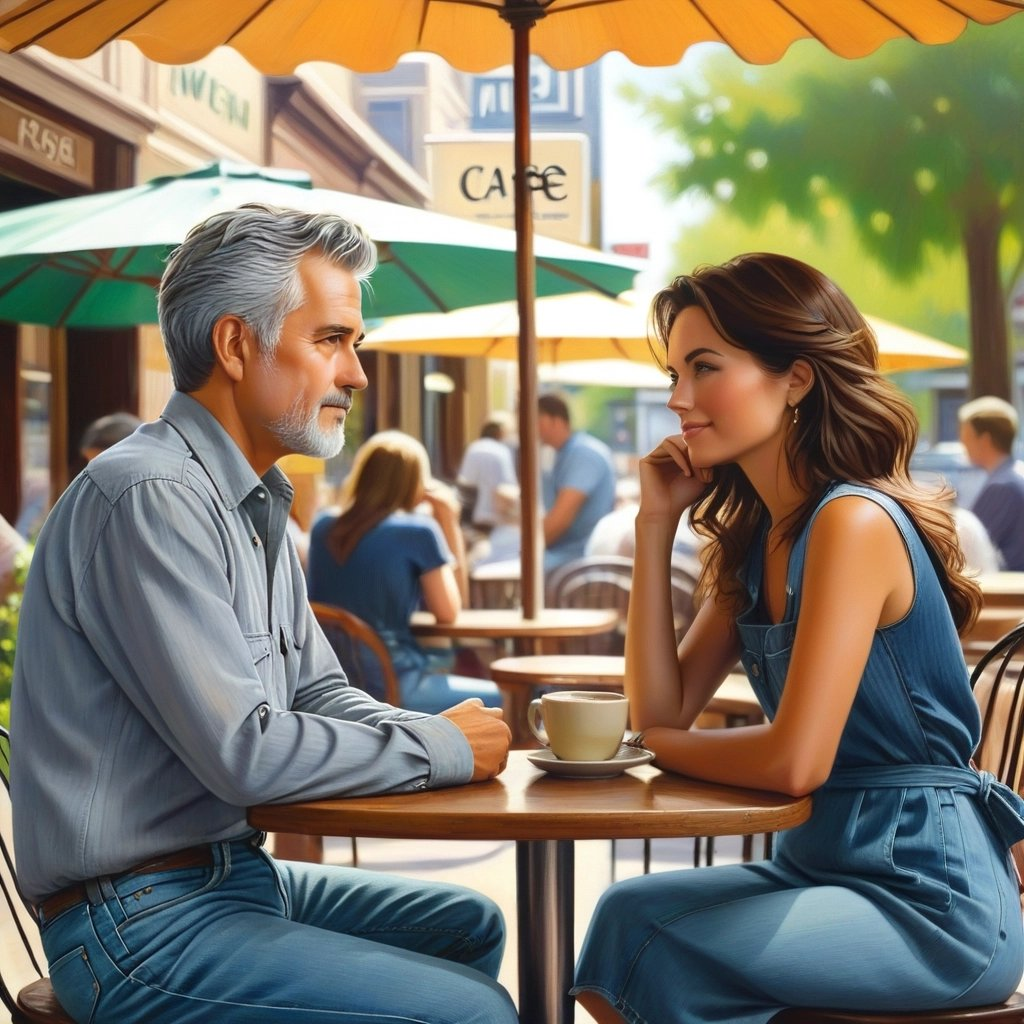
7. Repeat sequentially for every subject. First inpaint output is next inpaint’s input. Here you can see the second subject inpainted.

Here’s how this workflow works sequentially within Dashtoon Studio. The user only has to write a prompt and select the characters.
 Amogh Vaishampayan